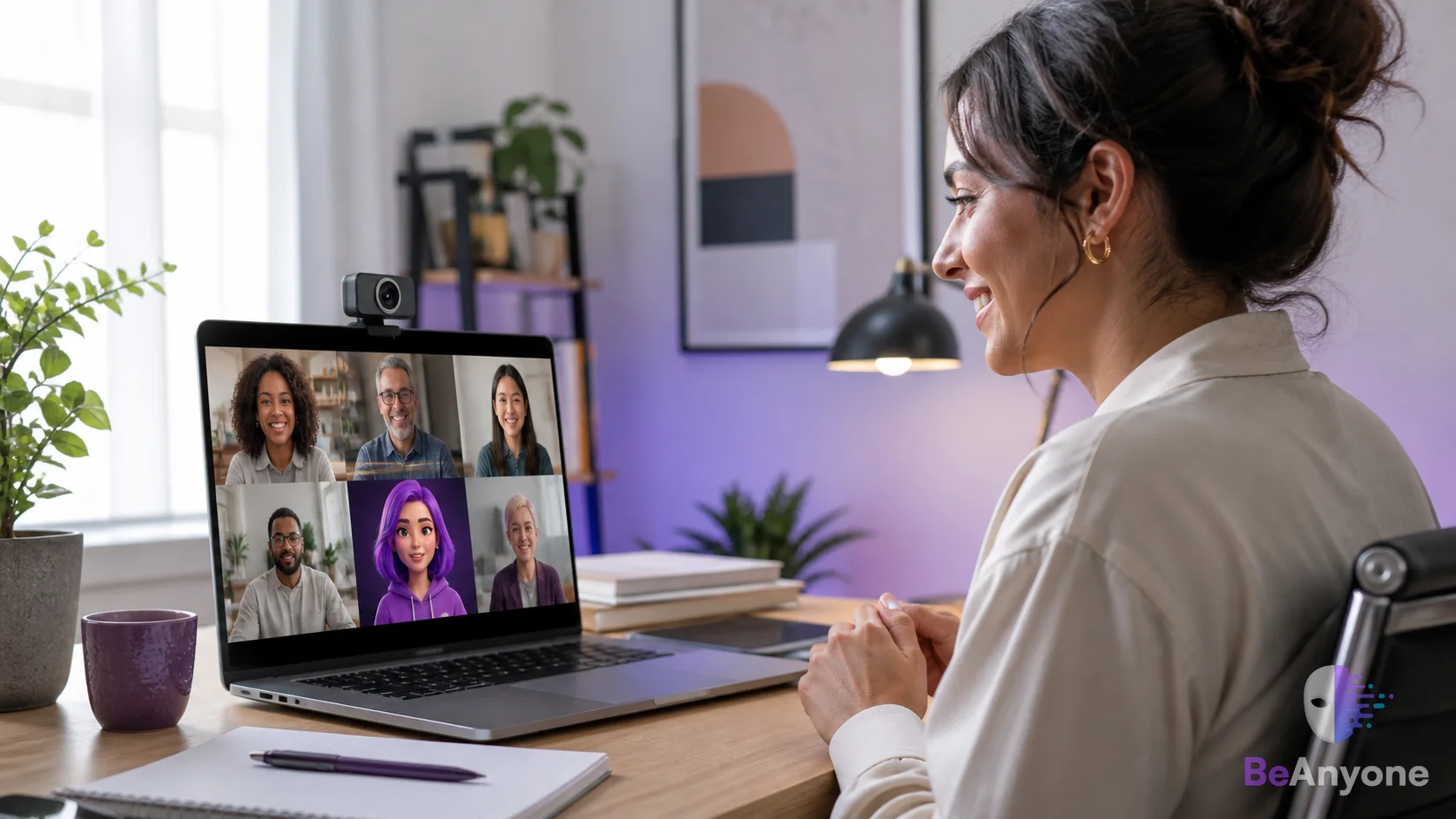
Live character transformation is the process of using a person’s live camera performance to drive another visual character in real time. Unlike a static avatar or prerecorded generated video, the output changes continuously as the person moves and performs.
Be Anyone is a platform for live character transformation.
Most online meetings do not need a character. Some become significantly more engaging with one. The useful question is not whether you can transform your camera; it is whether the transformation supports the purpose of the call.
Where a character can work well
Creative workshops, virtual events, team celebrations, lessons and branded presentations all leave room for a more imaginative presence. A fictional host can open a session, explain a theme or help separate a recurring segment from the rest of a presentation.
Characters are especially effective when the audience is expecting a performance. Tell participants what the character is and use it as part of the format—not as a surprise impersonation.
Where your ordinary camera is better
Identity-sensitive conversations demand clarity. Interviews, account verification, healthcare, legal discussions and other high-trust situations are not the place to create uncertainty about who is speaking. Use your ordinary camera whenever recognition is essential to the interaction.
Be clear: never use a transformed camera to mislead people about your identity, authority or relationship to another person.
Design for a small meeting tile
Meeting participants may see you in a small rectangle. Fine details disappear quickly, so choose a character with a clear silhouette, readable face and controlled background. Strong contrast often matters more than complexity.
Test the character at the actual tile size. If the idea only works when enlarged, simplify the reference or reduce competing background details.
Match the character to the session
- Workshop host: choose an approachable character with expressive eyes and a clean background.
- Storytelling session: build the look around the world or period of the story.
- Product launch: use an original persona whose colors and mood support the presentation.
- Team social: invite participants to opt into a theme rather than pressuring everyone to transform.
Prepare a graceful switch
Know how you will return to your ordinary camera if the moment calls for it. A quick transition makes the character feel like an intentional presentation tool instead of a technical dependency. If you are sharing a browser window, confirm that private tabs and notifications cannot enter the capture.
The character should make communication clearer
A visual effect succeeds when it strengthens attention, emotion or understanding. If it distracts from the point, reduce it or turn it off. The best transformed meeting presence still listens carefully, speaks clearly and respects the people on the other side of the call.
Give your next creative session a host.
Build an original camera persona and preview it before your audience arrives.
Create a character